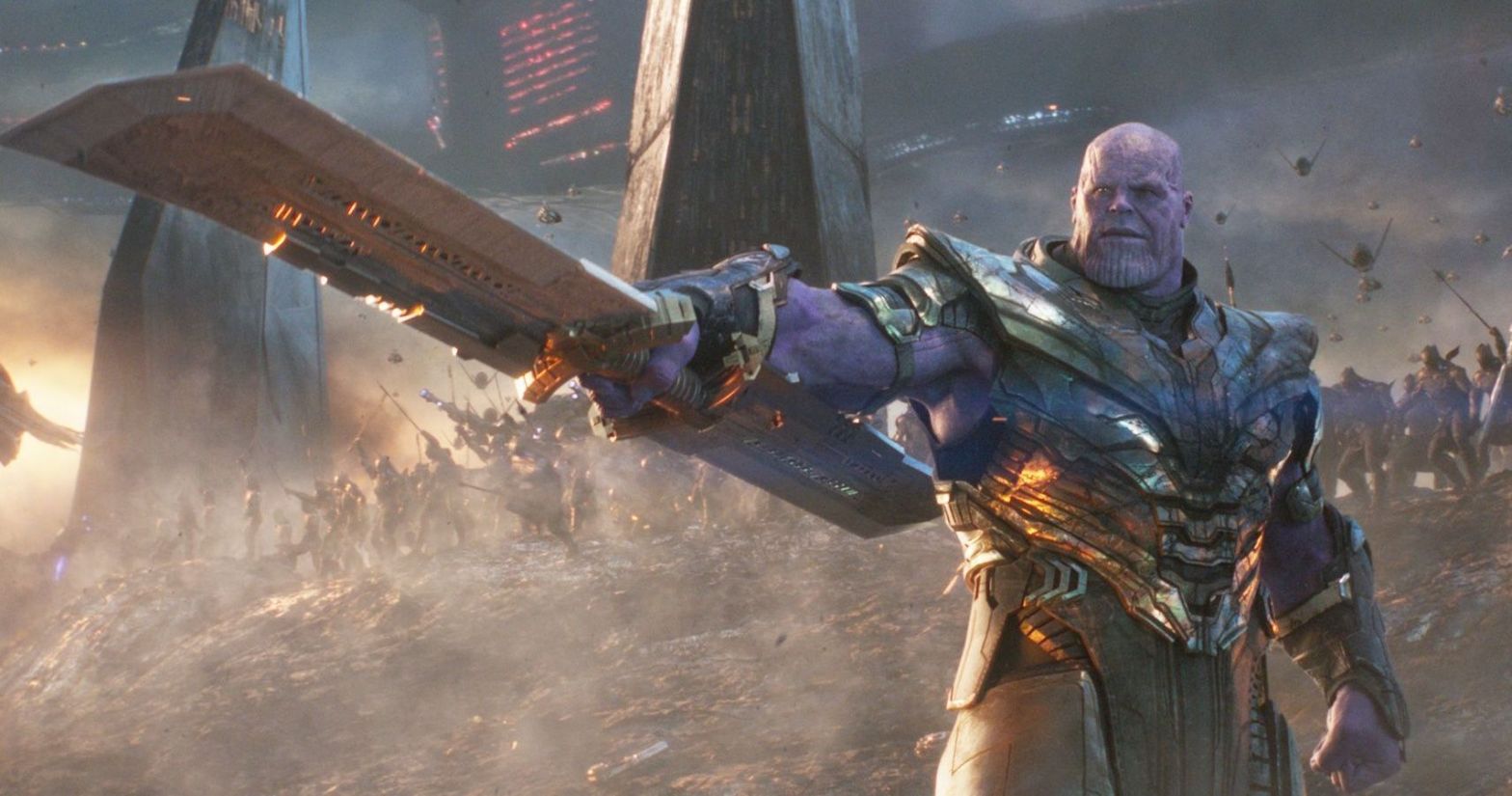
Creating a Titan
Thanos, the Marvel villain that was the main antagonist in the climactic two-film finale of Marvel’s phase 3 and actually is considered the main character in Avengers: Infinity War. For this reason, Marvel had to make sure that Thanos (the first main character to be fully CGI) was as close to perfect as possible.
To do this, Marvel incorporated a number different visual effects studios. The studio that will be reference throughout this however, is WETA Digital. For more information here is the link to their website – https://www.wetafx.co.nz.

To begin this Goliath project, Josh Brolin (Thanos) was either filmed on set with the other actors in the scene or on a sound stage. Here, Brolin’s performance was captured using info-red cameras to correctly record the dots on his face. This then allowed the visual effects studios to capture a good amount of detail in the movements of Brolin’s face, without interfering with any of the lighting within the scene.

After the motion capture of Josh Brolin’s performance had been taken, the footage was sent to the visual effects artists to turn Brolin into Thanos, it was here that the studios showed how innovative they could be…
To provide context, previously in Marvel movies, after filming the motion capture the footage would immediately be sent to the visual effects studios. However, when doing the effects for Infinity War, WETA Digital and the other studios decided to add an intermediary part to the development of Thanos’ face. This was to create a CGI puppet of Josh Brolin’s face before adding the motion capture to the Thanos puppet. This allowed the effects team to compare the Brolin puppet to the Thanos puppet, allowing them to check for any inconsistencies with the animation on Thanos’ face.
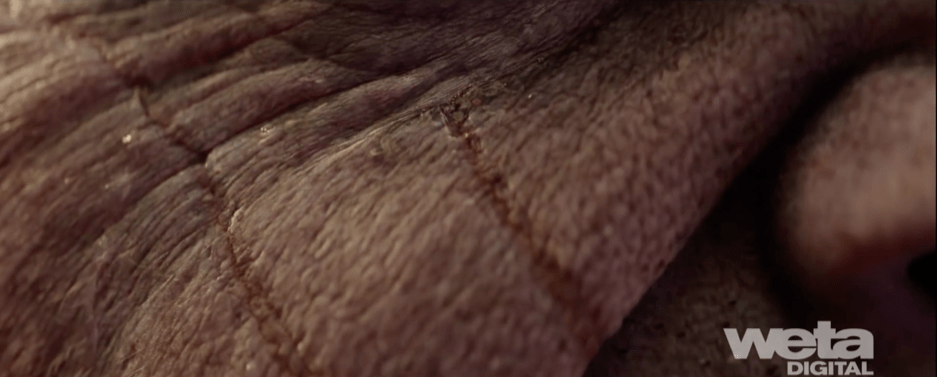
Once the motion capture is added to the character, the visual effects artists then needed to make the face look photo-realistic. To do this, WETA Digital used forensic facial tissue density data. This means that once applied, this data would add pores and tissue to the face, thus allowing WETA Digital to animate the face on a tissue level. This allowed Thanos’ skin to mimic the look and movement of real skin which added immensely to the photo-realism of the character.
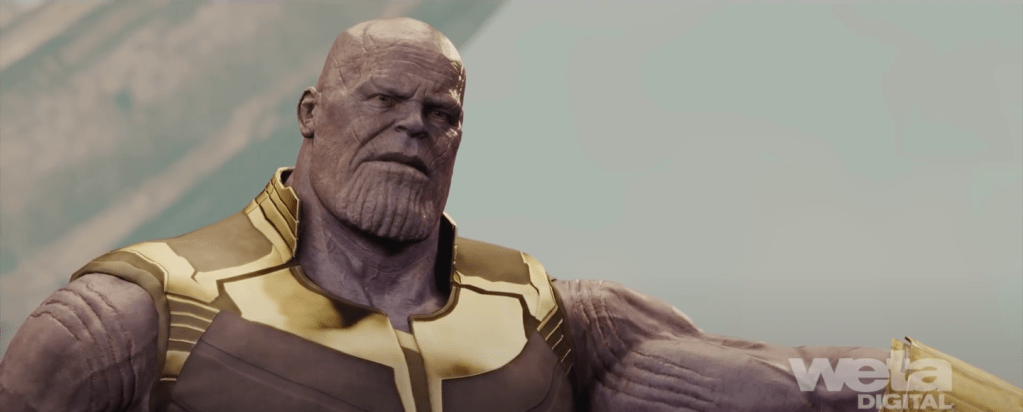

The next step in creating Thanos was to do a keyframe pass over the motion capture. This allowed the effects artists at WETA Digital to correct mistakes in the motion capture and add little details to enhance the performance. An example of this is shown in the images above as WETA Digital added a furrow to Thanos’ brow and a head tilt in order to subtly change his expression from questioning to menacing.
Since an eight foot tall muscle-bound alien probably wouldn’t move the same as a human actor, the keyframe pass also allowed them to add weight to Thanos. They accomplished this by keyframing over-top of the motion capture to slow Thanos down and give the correct look of size and mass.
Fun fact – The animation supervisor on Thanos, Sidney Kombo-Kintombo, referred to adding weight to Thanos as dialling in “Thanos’ body mechanic”.

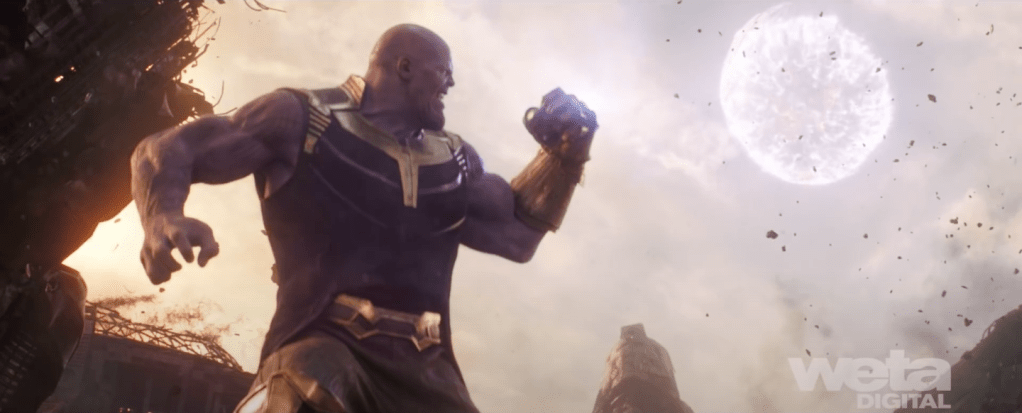
Another way the WETA Digital team enhanced the photo-realism of Thanos was to stretch the textures used on his face down to his neck rather than using the neck as a transition between the facial muscle animation and the body muscle animation. This gave WETA Digital the ability to animate the muscles on Thanos’ neck thus giving them the opportunity to further express strenuous activity on Thanos. An example of this can be seen when Thanos pulls a planet down on top of the Avengers (shown in the image above).
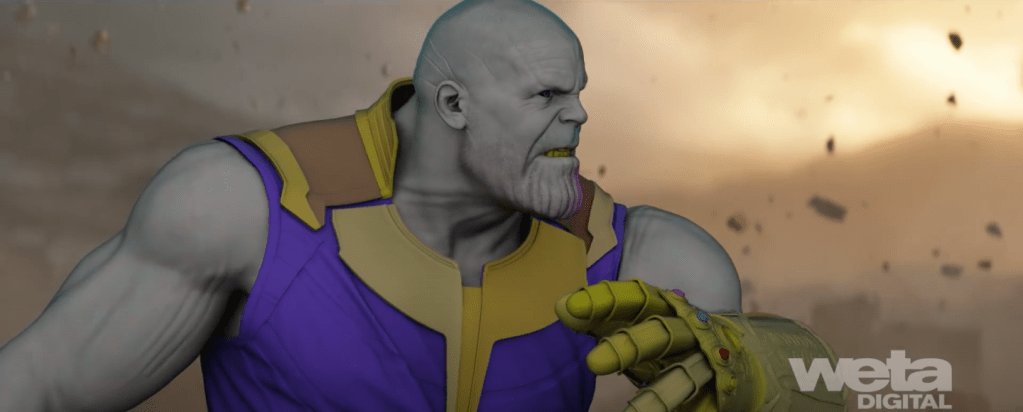
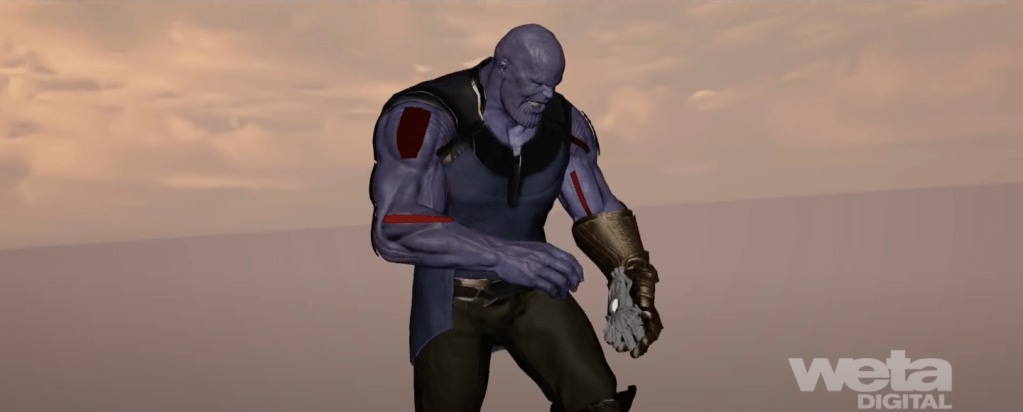
The final piece of animation that WETA Digital did on Thanos was to adjust the movement of his muscles throughout the scenes. This was because the filmmakers wanted the visual effects artists to be able to respond to creative direction when it came to the bulging and flexing of Thanos’ muscles. WETA Digital were then able to provide their animators with a control that allowed them to override the procedural muscle system. This gave animators the ability to carry out these creative directions.
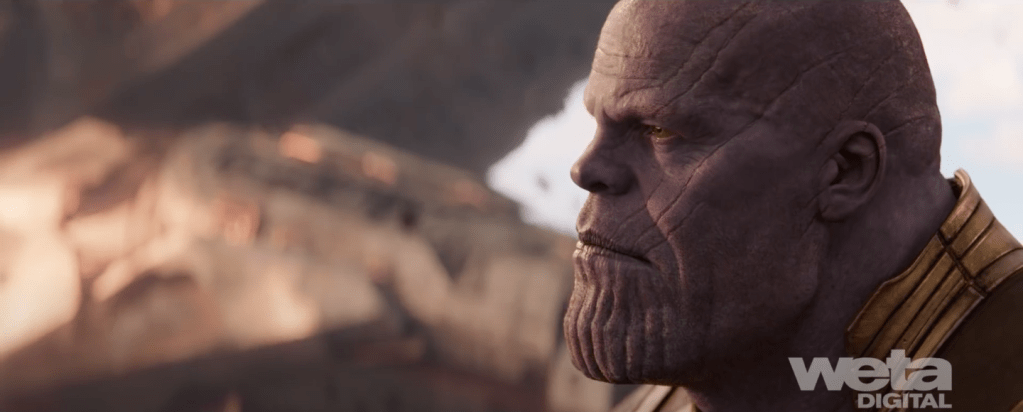
Finally, WETA Digital added the lighting into the scene, specifically to the eye. This was because they believe that people would be drawn more to Thanos’ eyes over the rest of his face. For this reason WETA Digital used a small area light in the direction the main light is coming from, this allowed them to get a good highlight in Thanos’ eye. This lighting, although subtle, brings Thanos to light as it prevents his eyes looking dead. Thus adding to the photo realism the team at WETA Digital were going for.
 Michael Berryman VFX